
Sign out
When you have finished, you can sign out from the header to end the current signed-in session.
Where to find this
After you sign in, Sign out is on the right of the title bar at the very top of the screen.

How to sign out
- Select Sign out at the top-right of the header.
- The system returns to the sign-in page, where you can see the Email field and the Send login link button.
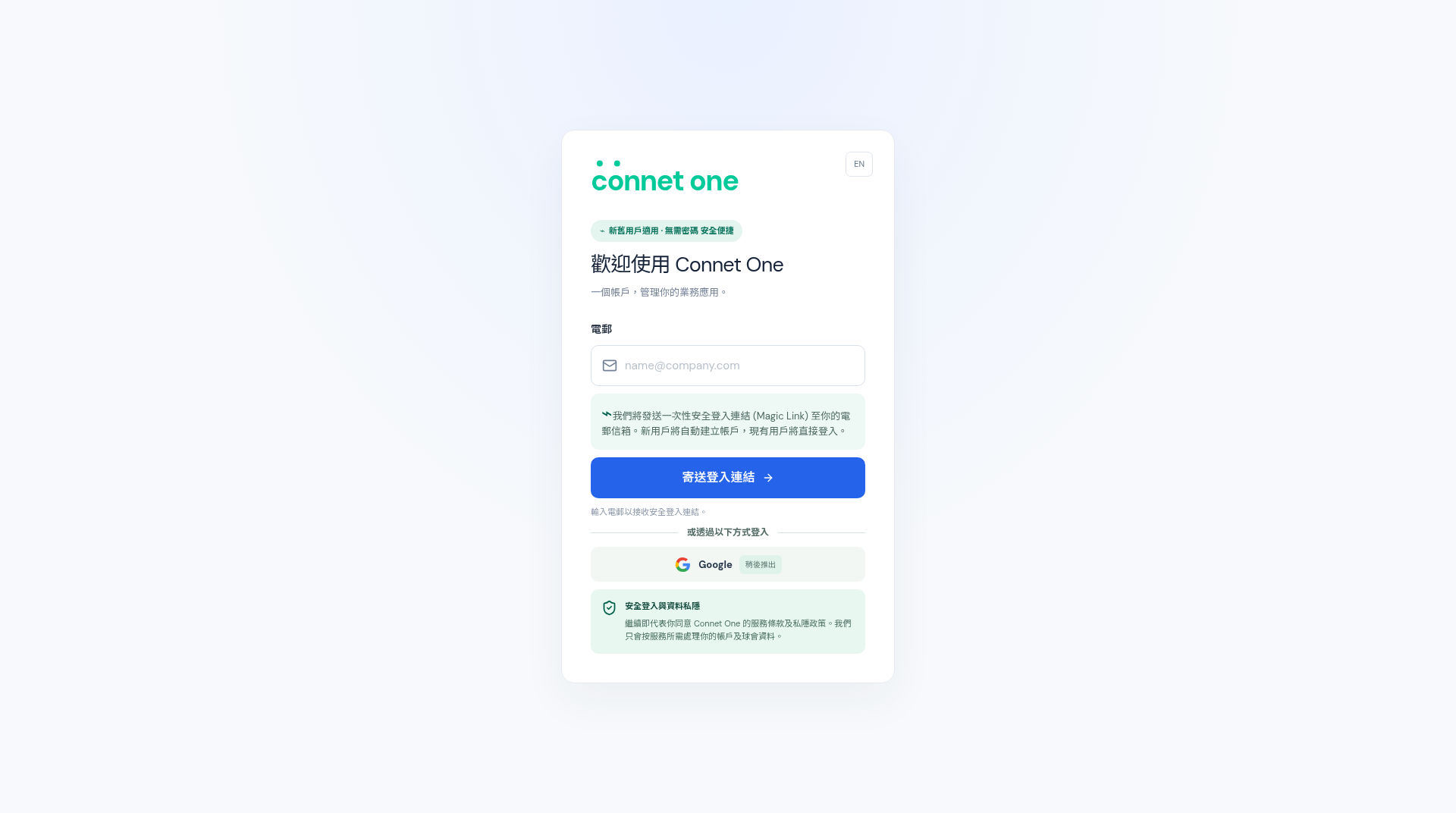
What you will see afterwards
You have left the club screens. To enter again, follow the steps in Accept an invitation and sign in and receive a login link by email.